


Chromium Issues and Solutions: Chromebox

Mar 16, 2026
 40
40
Due to recent security updates by the vendor, Chromium may experience occasional performance delays. In such cases, the Chromebox has been configured for use as an alternative device.
Please remember to keep open only the necessary tabs in Chrome—no more than 3—related to your class. Each open tab consumes system memory, and having more than three can significantly impact browser performance.
To use the Chromebox:
1. Turn on the Chromebox.
2. Set the Promethean display source to match the HDMI input of the Chromebox. 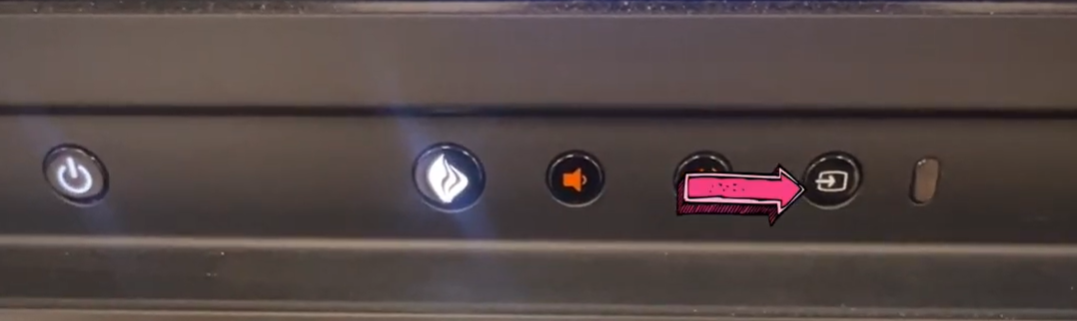
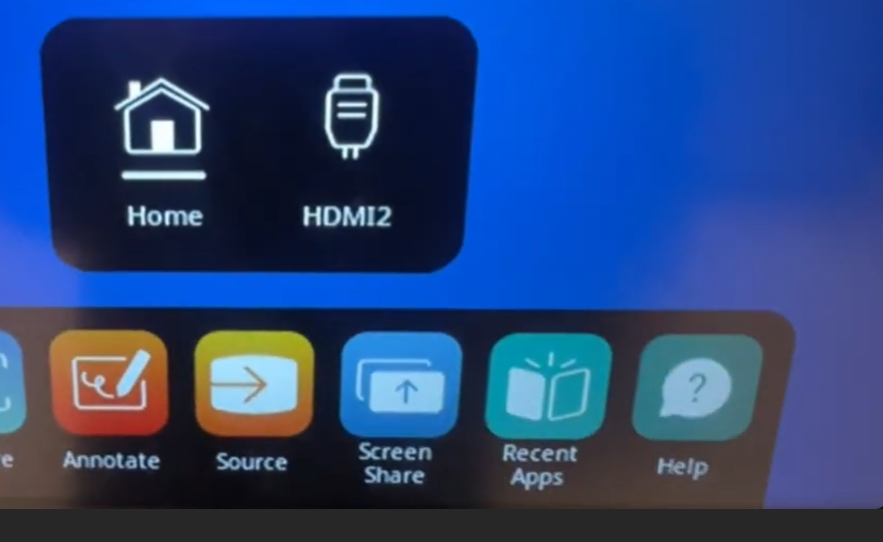
3. Log into Chrome using your district email and password.
If you require further assistance, please submit an IT support ticket.
Thank you,
The IT Department

